
Mounting a microphone boom arm to a monitor stand is a great way to free up desk space, especially if you’re working with a smaller setup or want a cleaner-looking streaming or recording station. With the right hardware, this is a fairly simple project.
This guide covers what a boom arm mount actually is, how to attach one to a monitor stand, and how to adjust everything once it’s in place.
What Is a Boom Arm Mount?
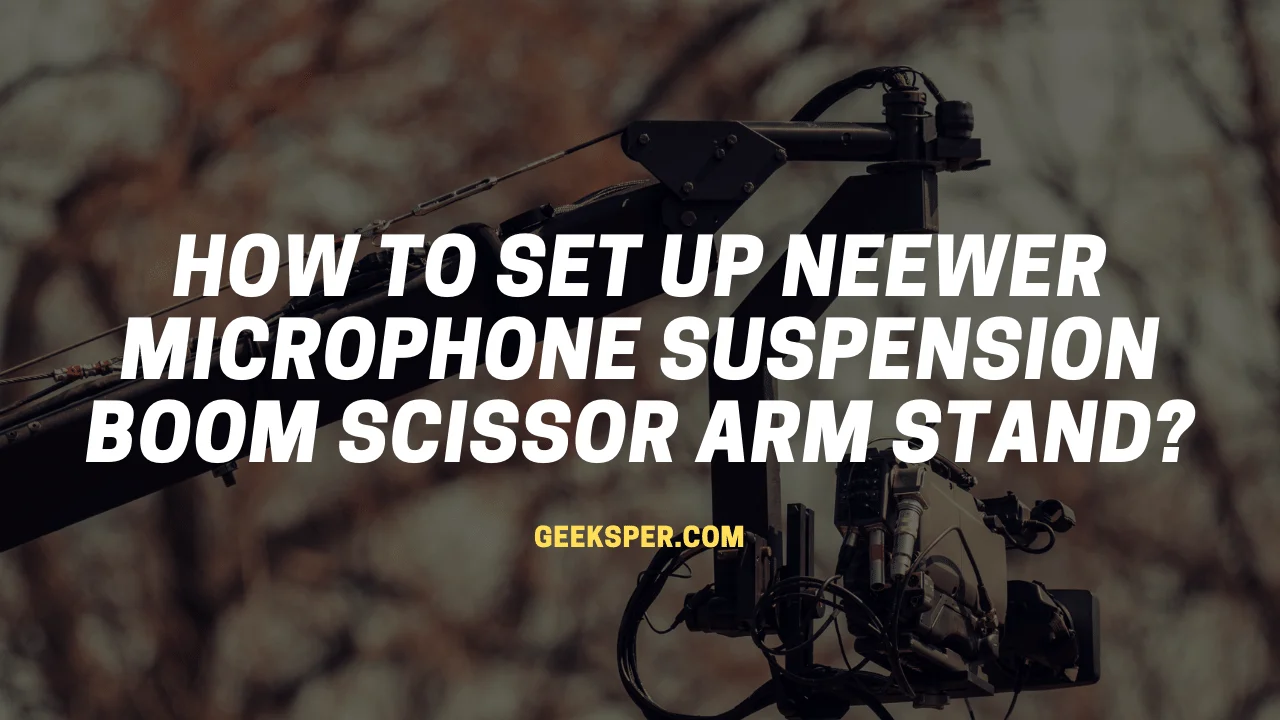
A boom arm mount is a device that lets you attach a microphone to a boom stand, camera rig, or tripod. It typically mounts directly to the stand or tripod using a simple screw, with two pairs of threaded holes for attaching different accessories. It works with a wide range of microphone sizes and polar patterns, including omnidirectional, cardioid, and supercardioid mics. These mounts are generally lightweight and well suited for professional studio setups.
The boom arm itself is a metal tube positioned at the top of a boom mic setup. Many boom arms use an internal spring mechanism that allows the arm to extend smoothly once released.
The microphone is typically held in place using a mounting plate, which has a threaded hole at the top where your mounting screw attaches. This is the part that physically connects the mic to the rest of the arm.
How to Mount a Boom Arm to a Monitor Stand
Mounting a boom arm to a monitor stand setup involves a few key considerations.
First, you’ll likely need a 1/4-inch-20 screw for the mounting hardware, so check whether you already have one before starting. Second, many boom arm clamps are designed to attach to a desk edge, a monitor stand’s pole, or a similar fixed point near your monitor, rather than to the monitor itself.
If your monitor stand has a sturdy pole or crossbar, clamping the boom arm’s base directly to that structure is usually the simplest approach. This keeps the microphone close to your monitor without taking up additional desk space.
Most boom arm clamps include a few different mounting positions or angles, so it’s worth testing a couple before tightening everything down, to find the angle that keeps the mic comfortably positioned without obstructing your view of the screen.
Adjusting the Boom Arm to the Position You Want
Once mounted, you’ll want to fine-tune the boom arm’s position so the microphone sits where you need it without getting in the way of your monitor or workspace.
Most boom arms include a tension adjustment, usually a knob or screw near the joints, that controls how much resistance there is when moving the arm. If the arm sags under the microphone’s weight, tightening this adjustment usually fixes it.
Many boom arms also include cable management channels built into the arm itself, helping keep your XLR cable tidy and out of the way as you adjust positioning throughout a session.
FAQ
Do you need a shock mount with a boom arm?
Yes, generally. Using a shock mount is recommended in most setups, since it helps prevent vibrations and bumps from being picked up in your recording. This matters even more if your microphone is positioned on or near a desk where movement is common nearby.
Can you mount a boom arm vertically?
Some boom arm mounts are specifically designed for vertical surface mounting, using a bracket that attaches to a wall or vertical post rather than a desk. If you need this kind of setup, look for a mount explicitly rated for vertical use to ensure a secure fit.
What mic arm do streamers use?
Streamers often prefer desk-mountable microphone arms since they’re easy to maneuver, save desk space, and give a clean, professional look on camera. The Blue Compass is one well-known option built to support even heavier microphones reliably. For more on how it compares to another popular boom arm, see our guide on Blue Compass vs Rode PSA1.
Conclusion
Mounting a boom arm to a monitor stand is a practical way to free up desk space and improve the overall ergonomics of your setup. Following the steps above should get your boom arm securely positioned, helping keep your workspace more organized while improving your overall recording or streaming setup.
For more on related accessories and setup guides, see our guides on Rode PSA1 review, Samson MBA38 vs Rode PSA1, what does a pop filter do, and how to set up a wireless microphone system.